NG Music Stats is now available on Firefox!
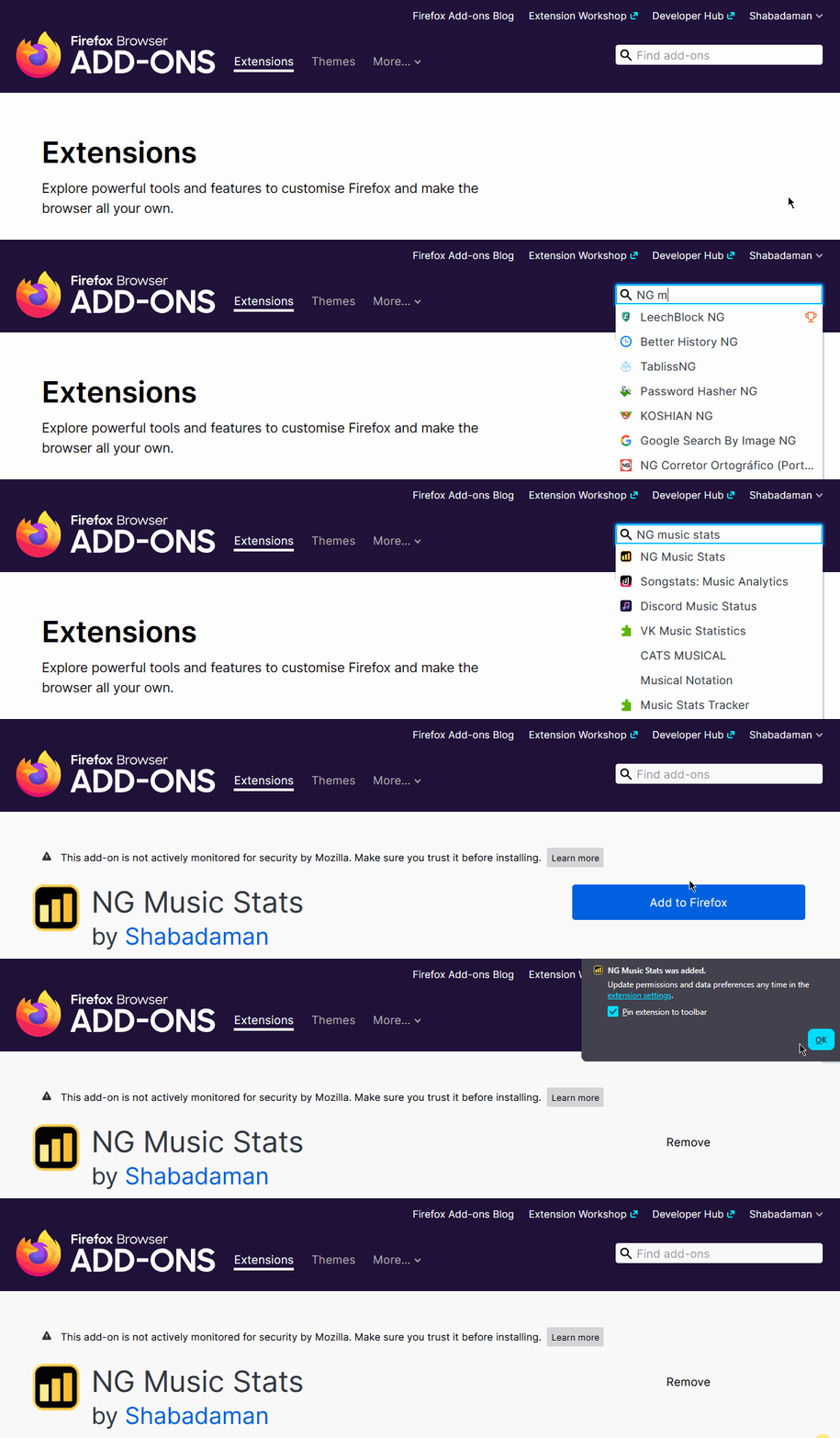
This has been the most requested feature by far! NGMS now works on both Firefox and Chrome. The extension is now cross-browser compatible after replacing Chrome specific code with a shared system that works everywhere.
If you’ve been waiting for this, it’s ready.
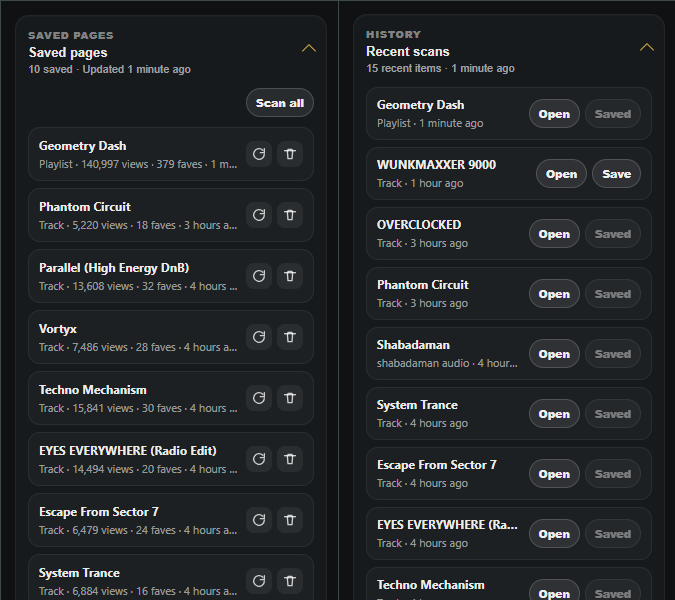
Since the last update, the extension has continued to build on the popup and daily tracking system. Version 0.7.8 adds a full timeline view, built in charts/graphs, milestone tracking and data export.
The goal here was to move beyond simple summaries and give a clearer picture of how things perform over time.
Official install links
NGMS Version 0.7.8
What’s new?
- Firefox version with full feature parity
- Timeline view with monthly, weekly and daily breakdowns
- Built in charts for short term and long term tracking
- Milestone tracking with automatic detection
- JSON and CSV export for scans and recent history
- Track level trend previews on audio pages
- Improvements to daily tracking consistency
- General improvements to scanning stability
- UI/UX improvements
Timeline and charts
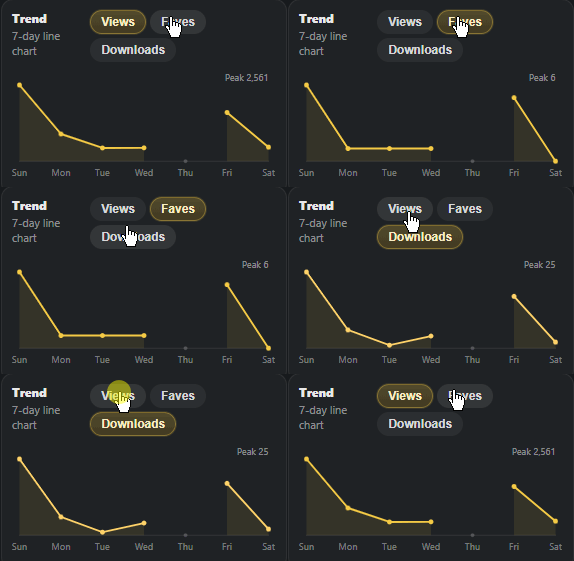
The popup now behaves more like a dashboard. The 7 day summary now sits alongside a detailed timeline view that lets you explore your data more freely. Simple charts have also been added here, including a 7 day trend line and timeline based charts.
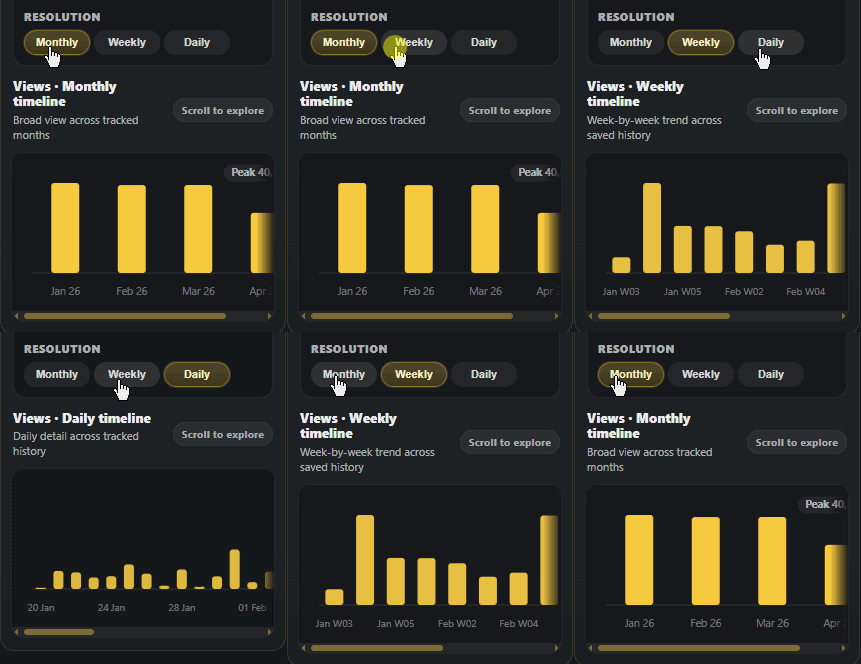
You can switch between monthly, weekly and daily views, and choose which stat you want to look at. It’s fully scrollable so you can move through your history naturally instead of being limited to a fixed window.
Milestones
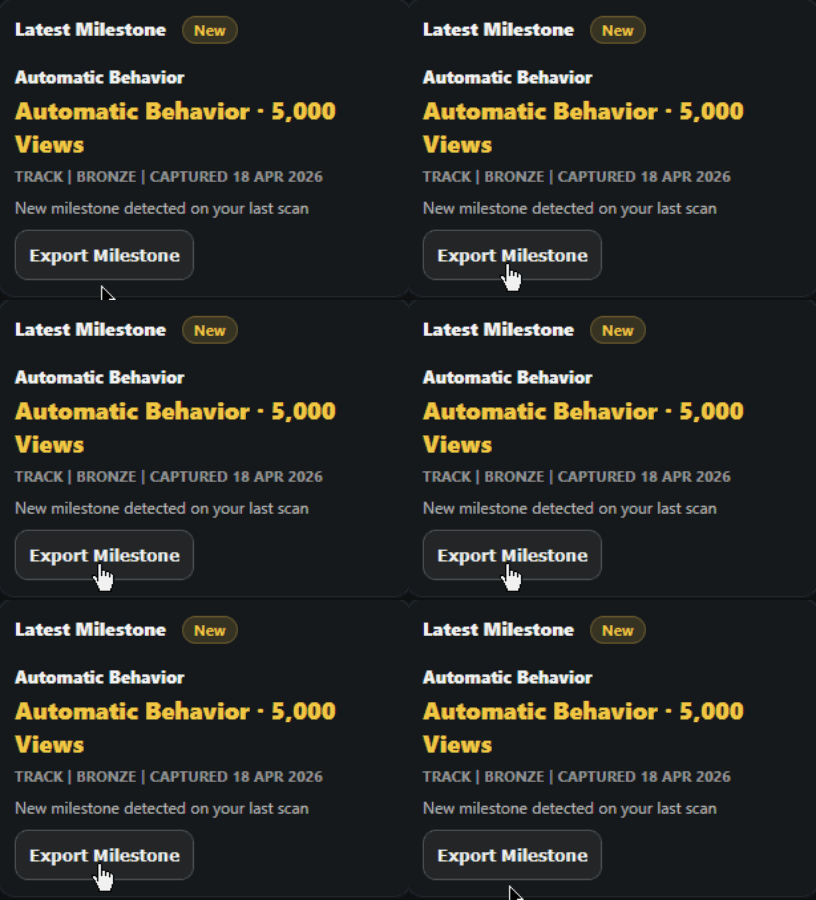
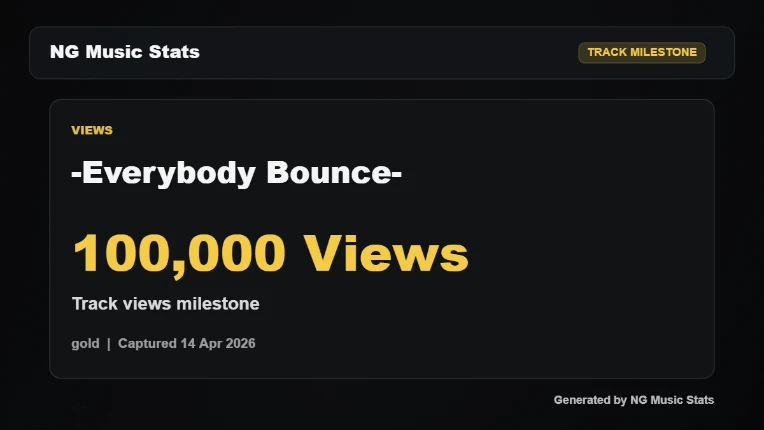
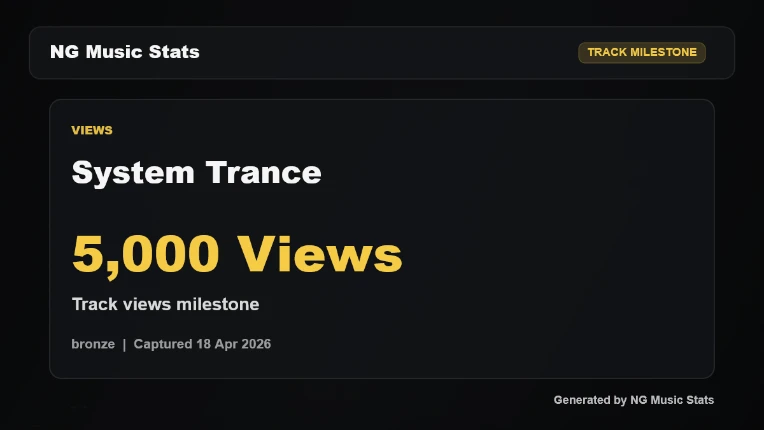
Milestones are a completely new feature. The extension now tracks key thresholds in the background (views, faves and downloads). When something crosses one of these it gets picked up automatically and stored. You can export these if you want to share them.
Data export
You can now export raw data directly from the popup.
• JSON export for structured data
• CSV export for spreadsheet use
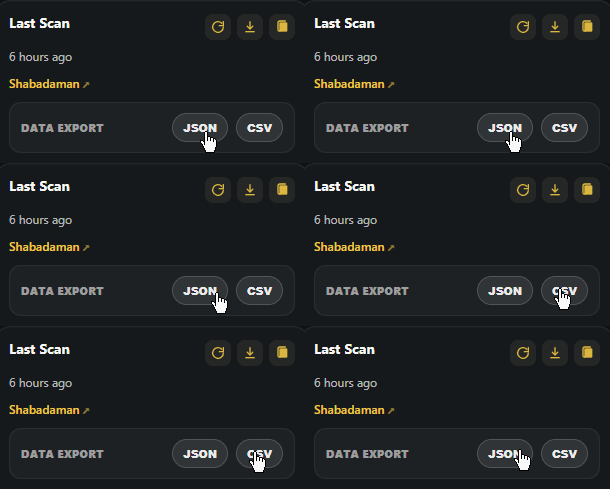
This works for both the current scan and your recent history.
Track level trends
Track pages now build a small trend over time. Once you have enough data, this shows on the bottom bar as a simple visual preview. It gives you a quick read on how a track is moving without opening the popup.

Closing
So, if you want to install NG Music Stats, you can do so using the official links below:
Download for Firefox ✅
Download for Chrome ✅
If you’re using it regularly, come hang out in the Discord to share your stats and get early access to beta builds:
For bugs, feedback, or feature ideas, use the BBS thread so everything stays in one place:
NGMS still runs entirely in your browser using public Newgrounds data. No tracking, accounts, or setup needed.
If the extension has been useful to you, consider leaving a review or dropping a donation. It helps keep development moving and the updates coming.
Coming soon...
The next update for NGMS will be focused on the Newgrounds community as a whole, adding some useful features for those who use NG to listen to music regularly! The next update will be much sooner than this one, so stay tuned!